
How it works / From entry to actuals
One daily entry.
A checked path to reporting.
Capture the work, flag inconsistencies, review the entry and send approved actuals to your systems. Each step has a clear purpose.
Capture
Record what happened, where the work happens.
Whoever does the work submits a short daily entry from a phone link, or uploads a spreadsheet.
- A phone link for field entries
- People, plant, materials, services and progress
- Photos attached to the entry
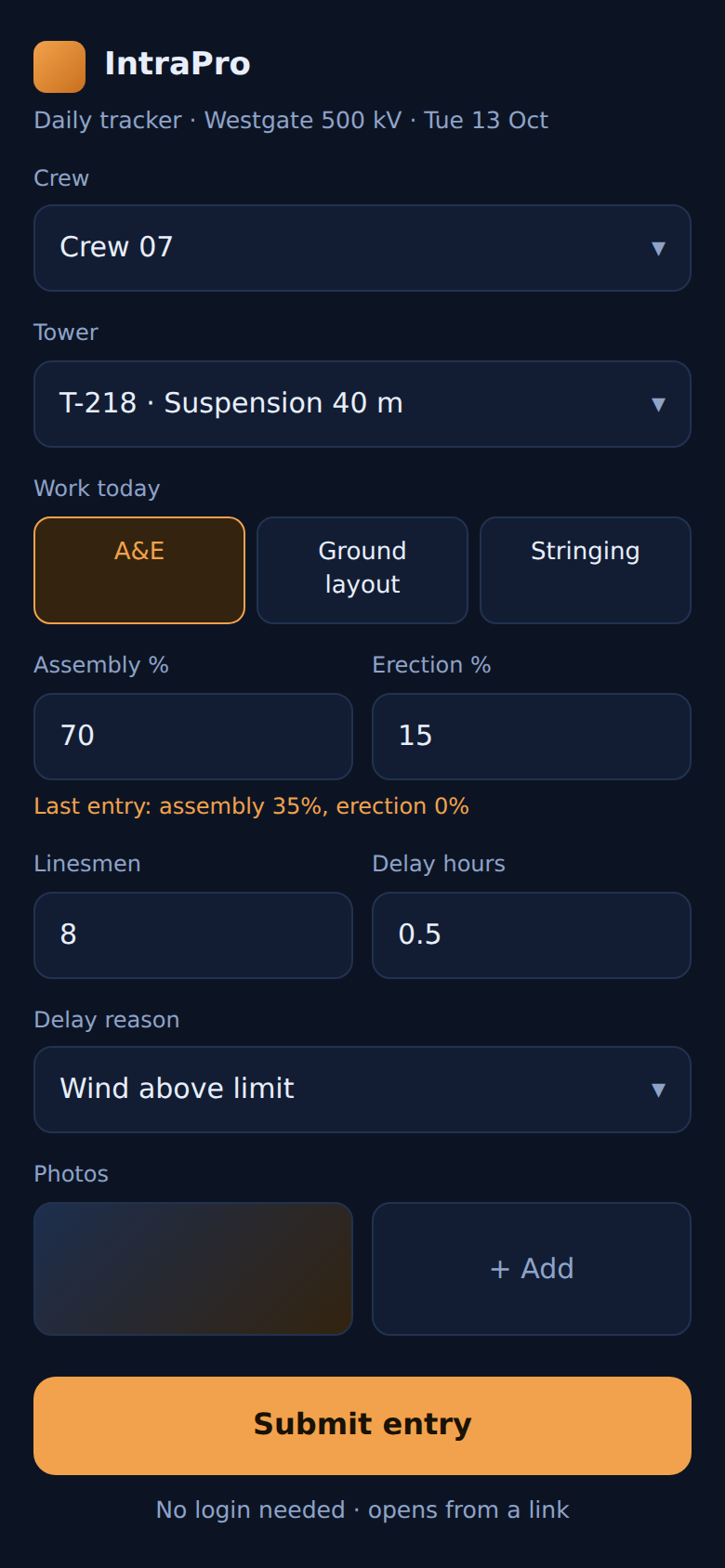
Example daily field entry
Validate
Bring inconsistencies to the reviewer’s attention.
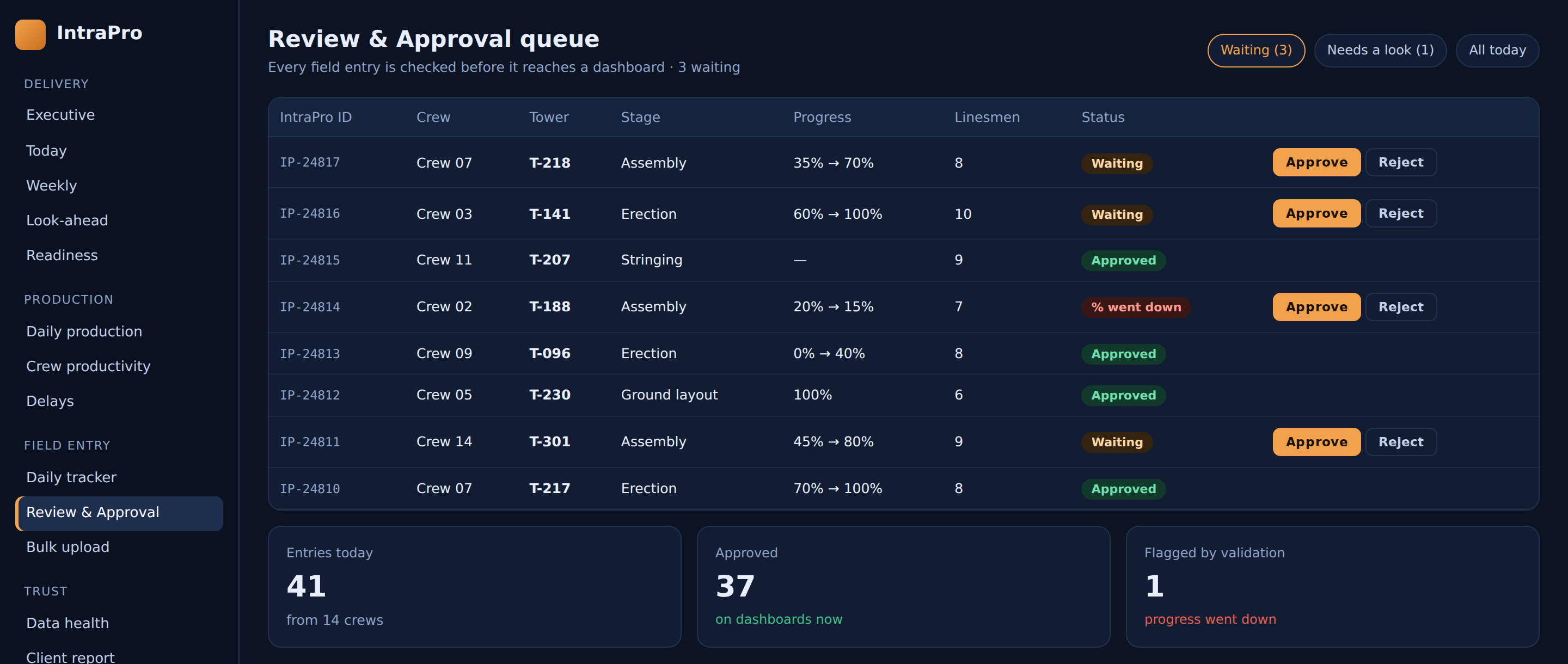
Rules and AI checks flag anything odd. Progress can't silently go backwards, and hours must add up.
- Check entries against the project’s agreed rules
- Flag unexpected progress or hours
- Keep the review decision with your team
Approve
A person decides what counts.
Your reviewers approve or correct entries in one queue. Only approved data counts.
A daily entry arrives for review.
The entry is checked against a 90-hour shift record.
The reviewer corrects the entry before reporting.
Integrate
Report from the approved actuals.
Approved actuals flow to live dashboards, client reports and your ERP or finance system.
Agree the outputs your project needs: an executive view, a client report or data for your existing business systems.
Explore the product capabilities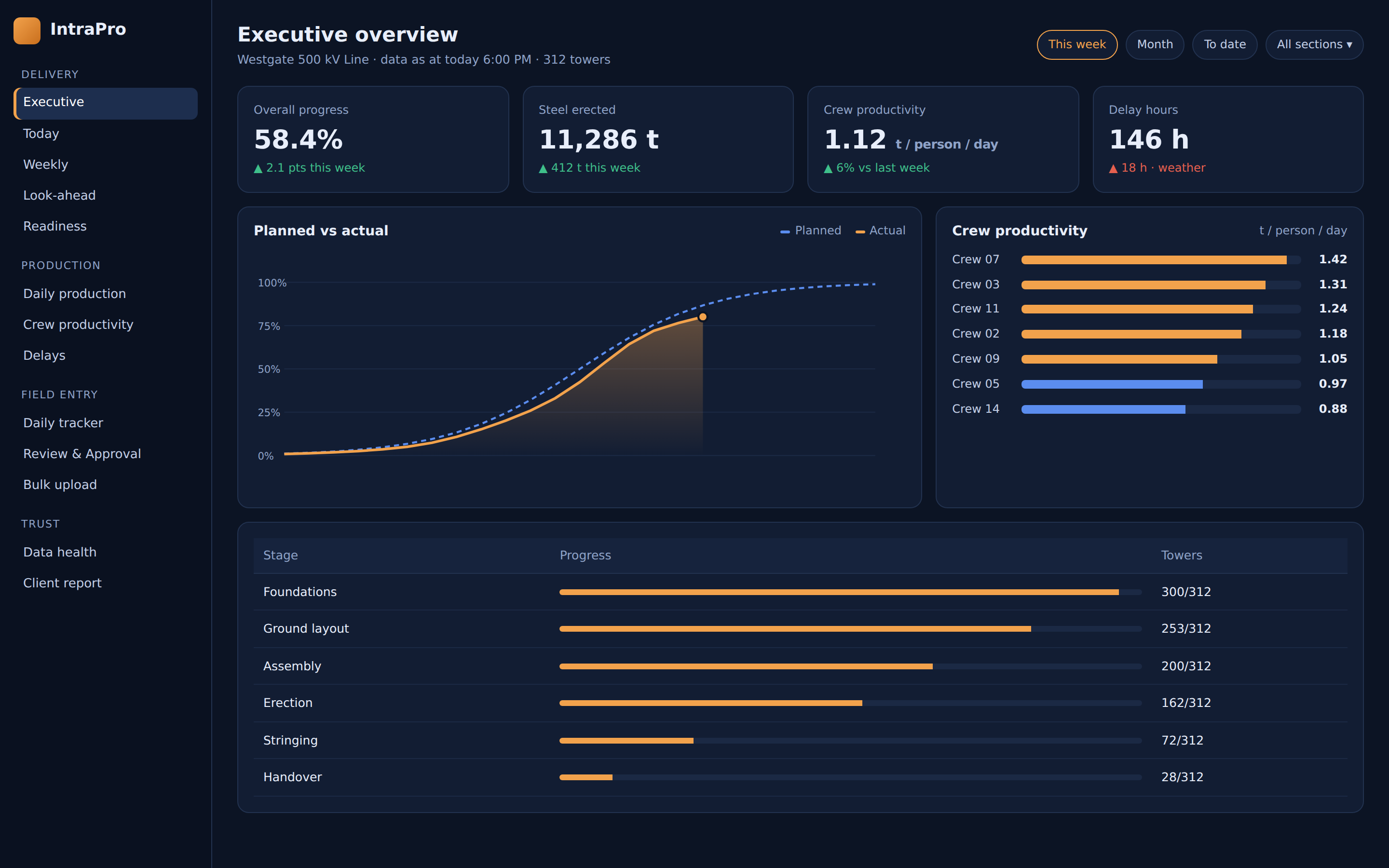
Your next step
Map the process to your project.
Book a 30-minute conversation about your reporting, field entries and existing systems.